Most business owners meet the phrase "static IP" the hard way — the CCTV app stops connecting from home, the accountant cannot reach the office server, or a bank portal asks for "your fixed IP address" and nobody knows what to send. A static IP for business internet in the UAE is a small add-on that quietly solves all of those, and this guide explains exactly when it is worth adding and when it is not.
Static vs Dynamic, in Plain Language
Every internet connection has a public address. By default that address is dynamic — it can change, and when it does, anything outside your office that was pointed at the old one stops working. A static IP is the same address permanently. Think of it as the difference between a fixed office address on your trade licence and a mailbox that moves streets without telling you.
If nothing ever needs to connect into your office — staff browse, email and use cloud apps, and that is all — a dynamic IP is genuinely fine and you can skip this. The moment something has to reach in, you need the fixed address.
The Four Reasons Businesses Add One
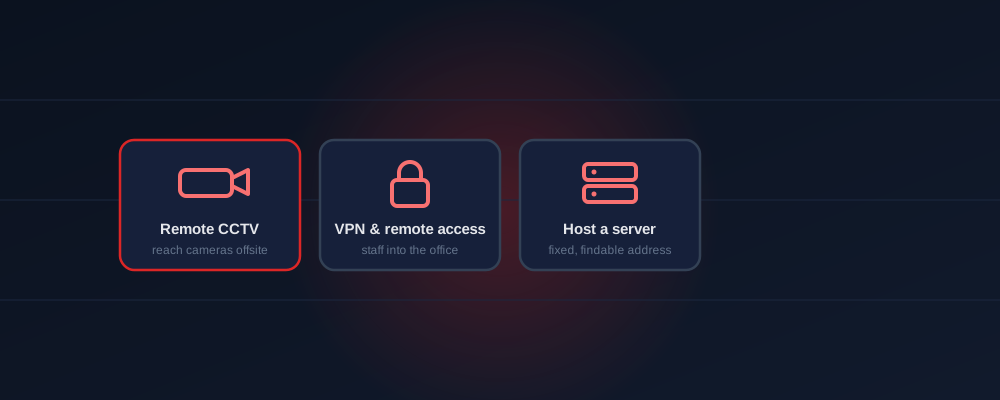
- Remote CCTV — viewing cameras from your phone or another branch, reliably, without a vendor cloud in the middle
- VPN and remote access — staff or your accountant connecting securely into the office network from outside
- Hosting something on site — a server, ERP, booking system or application that others connect to
- Whitelisting — banks, supplier portals, government systems and some cloud platforms that only accept traffic from a known IP
That fourth one catches people out most. A finance or trading business often discovers it needs a static IP only when the bank's security team asks for the address to whitelist.




Do You Need One? Quick Answers by Business Type
Why Home Internet Cannot Do This
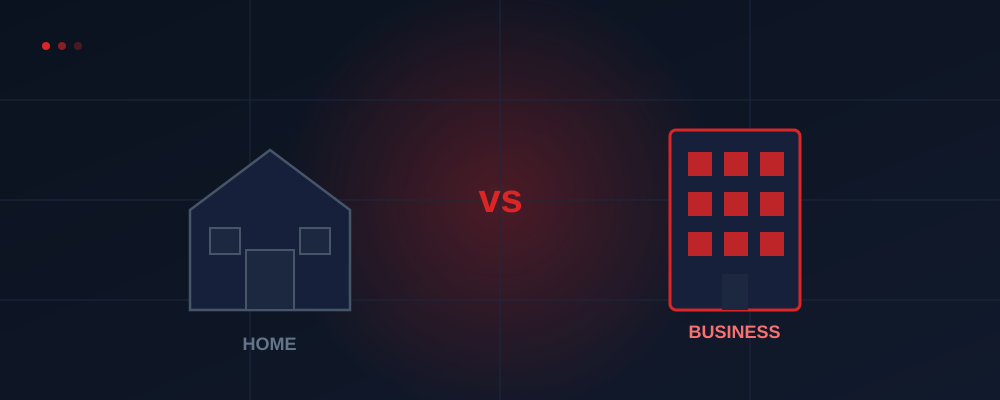
This is one of the clearest practical lines between a consumer package and a business one. Home plans hand out dynamic addresses and generally will not sell you a static IP at all, and the account sits in an individual's name rather than the company's. So the business that tries to save money on a home package usually hits the wall the first time it needs remote CCTV or a VPN. The full comparison is in the business vs home internet guide.
Adding One Safely
A static IP can be added to an existing business account without changing your plan or restarting your contract. The part not to skip is the firewall: a fixed public address is useful precisely because things outside can reach it, so the rules for what may reach in should be set at the same time. Every business plan includes a firewall for this reason — do not leave CCTV or a server exposed on an open port. Security setup is covered in the business WiFi and security guide, and what else the bundle includes is in the B2B solutions guide.
If several branches need to reach each other, a static IP per site is usually the first building block, with a dedicated line only worth considering once the traffic between sites gets heavy.
Frequently Asked Questions
Do I need one for CCTV?
For a reliable direct connection, yes — otherwise the address can change and the camera app stops connecting until it is reconfigured.
What does it cost?
It is an optional add-on quoted with your plan — a small line item next to the internet, which starts at AED 1,095/month for 200 Mbps.
Can I add it later?
Yes — it can be added to an existing business account without changing your plan or restarting the contract.
Need remote CCTV, VPN or a fixed IP?
Tell us what you need to reach from outside the office. We will confirm whether a static IP is required, add it to your plan, and get the firewall rules set properly — free advice, no obligation.
Ask About a Static IP