Opening an e& B2B account — still widely called an Etisalat B2B account — is mostly a paperwork exercise. The technology is the easy part. Almost every delayed activation we see in the UAE traces back to a document problem or a building problem, not to anything technical. This guide walks through the process in the order it actually happens, and flags the four things that stall it.
Step 1: Get the Documents Right Before You Apply
Every B2B account in the UAE is registered against a trade licence. That is what makes the service invoiceable to your company and what entitles it to a business SLA. The core set:
- Valid UAE trade licence — not expired, not in renewal limbo
- Establishment card (immigration card)
- Passport and Emirates ID of the authorised signatory
- Power of Attorney or authorisation letter — only if the signatory is not an owner named on the licence
- Tenancy contract / Ejari for the office address being connected
Free zone companies follow the same pattern with their free zone licence and lease. Which free zone you are in rarely changes the document list, but it does sometimes change who signs — the details are in our free zone connectivity guide.
Step 2: Check Fibre at Your Building — Before Anything Else
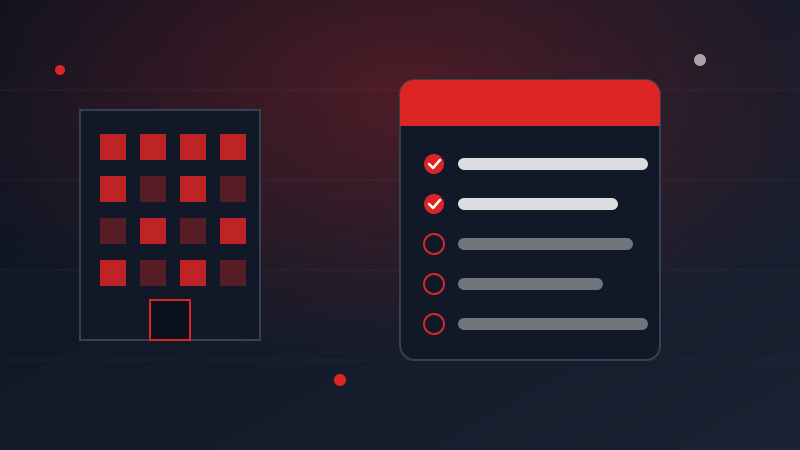
This is the step almost every company skips, and it is the one that determines whether you wait five days or five weeks. Coverage in the UAE is building-by-building, not area-by-area. Most commercial towers in Business Bay, JLT, DIFC, Deira and the major free zones already have fibre terminated. Warehouses, older low-rise buildings and converted villas frequently do not.
If your unit is not served, the connection requires civil works and landlord approval, and no amount of chasing the provider speeds that up. If you are still choosing an office, ask the landlord whether the building is fibre-ready before you sign the lease. It is a one-sentence question that can save a month of your company operating on mobile hotspots.
Step 3: Pick the Package Around Real Usage
Choose the internet tier based on how many people will be doing bandwidth-heavy work at the same time, not your headcount, and add corporate SIMs for the staff who need them. The voice line, Cloud PABX, firewall and Microsoft licences come bundled with the internet package, so they are not separate decisions. The full stack is laid out in the e& B2B solutions guide, and the tier-by-tier pricing is on the business internet plans page.
Step 4: Site Survey, Then Installation
Once documents are verified, a technician surveys the premises to confirm where fibre enters the unit and where the router will sit. Use that visit — it is your chance to say where your people actually work, so the equipment does not end up in a store room. Installation follows, typically within days in a served building.


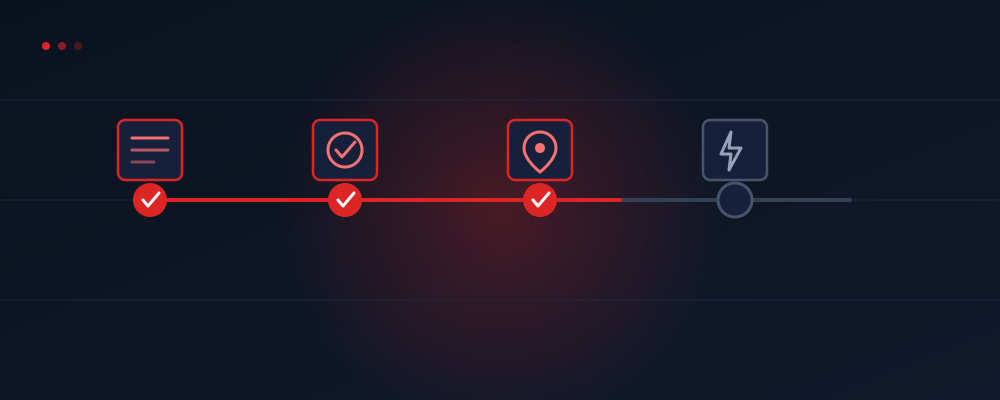
The Realistic Timeline
The Four Things That Delay Activation
An expired or renewing trade licence. The application cannot proceed on a licence that is not currently valid. Check the expiry date before you start, not after.
An unauthorised signatory. If the person signing is not named as an owner or manager on the licence, they need a Power of Attorney or a proper authorisation letter. A verbal "the boss said it's fine" stops the file.
An address mismatch. The address on the application must match the tenancy contract exactly — same building, same unit number. A mismatch sends the file back to the start.
A building with no fibre. The one you cannot fix with paperwork, and the reason to check it first.
Frequently Asked Questions
What documents do I need?
Trade licence, establishment card, signatory passport/Emirates ID, tenancy contract, plus a POA if the signatory is not an owner.
How fast can it be live?
3–5 working days in a fibre-served building. Weeks if fibre has to be brought into the premises.
Can I apply before moving in?
Start the paperwork once the lease is signed — provisioning then runs in parallel with your fit-out instead of after it.
Want us to handle the paperwork?
Send your trade licence and office address on WhatsApp. We will check fibre availability, prepare the file, and run the activation for you — free of charge.
Start My B2B Account on WhatsApp