Nobody buys backup internet in the UAE before their first outage. They buy it the week after — after a contractor put a spade through a duct, or a building issue took the floor offline, and the card machines stopped mid-service. The uncomfortable truth is that a business SLA does not prevent that afternoon; it only shortens it. If your business loses real money while offline, the answer is a second path, not a faster repair promise.
SLA vs Failover: Two Different Things
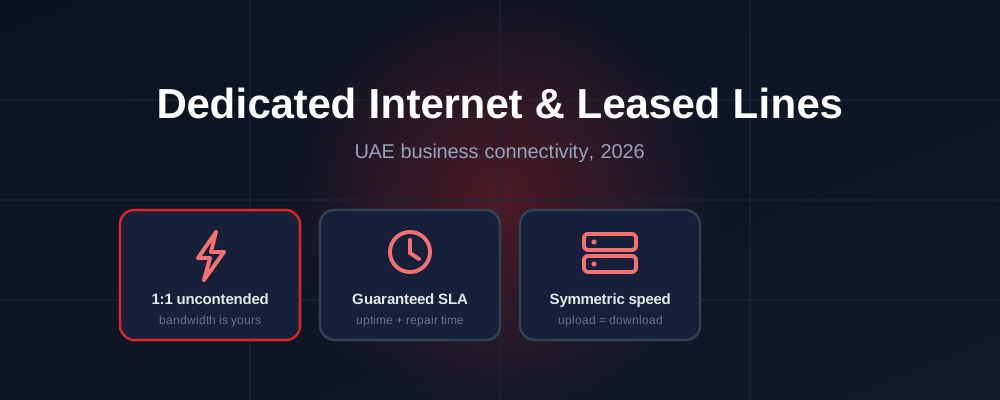
Every business plan comes with a business SLA and priority repair, and that is a genuine advantage over a home package — an engineer is dispatched on a business timeline, not a residential queue. But an SLA is a repair commitment. Somebody still has to physically reach the fault.
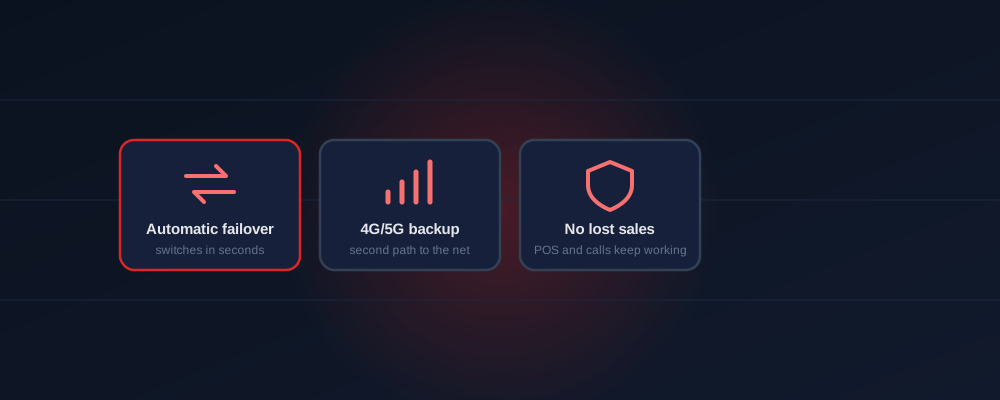
Failover is what happens in the meantime. A second connection — normally 4G or 5G over a corporate SIM sitting in a failover-capable router — takes over automatically within seconds of the main line dropping, and hands traffic back once fibre returns. Staff often notice nothing beyond a brief hiccup. The two work together: failover keeps you trading, the SLA gets the fibre fixed.
What Actually Breaks During an Outage
- Card payments — POS terminals cannot authorise, so you are cash-only or closed
- Phones — cloud PABX and VoIP lines run over the internet, so calls die with the line
- Cloud apps — email, CRM, accounting, booking systems, patient records
- CCTV — no remote viewing and, on some systems, no offsite recording
- Deliveries and dispatch — orders stop flowing to the floor or to drivers
Add up an hour of that for your business. For most retail, food and clinic operations the number is larger than a year of backup.




Who Needs Backup, and Who Honestly Does Not
What It Costs
Backup is deliberately cheap, because the second path only carries traffic during an outage. In practice it is a corporate SIM — from around AED 110 per month — sitting in a router that knows how to switch over, alongside your main business internet plan starting at AED 1,095 per month for 200 Mbps. You do not need to duplicate your full speed on the backup path; you need enough to keep payments, phones and core apps alive for a few hours. Plan pricing is in the price guide and the total telecom picture in the SME telecom costs guide.
Setting It Up Properly
Three things separate real failover from a SIM in a drawer. First, the switchover must be automatic — if it needs a staff member to swap cables, it will not happen on a Friday night. Second, decide what is protected: usually POS terminals, phones and core apps ride the backup, while guest WiFi and large downloads are held back so the mobile path is not saturated. Third, test it — unplug the main line once, on purpose, during quiet hours, and confirm payments and calls survive.
Businesses that cannot tolerate any interruption at all usually pair failover with a dedicated line on the primary side, and add a static IP so remote access and CCTV stay reachable throughout.
Frequently Asked Questions
Is backup included in my plan?
No. Plans include a business SLA with priority repair — that shortens an outage. Failover is a separate second path that keeps you trading during it.
How fast does it switch?
Seconds, when configured for automatic failover. Staff typically notice a brief hiccup rather than an outage.
What does it cost?
Usually a corporate SIM from around AED 110/month plus a failover-capable router — far less than one lost trading day.
Can your business afford to be offline?
Tell us what stops working when the line drops — POS, phones, dispatch — and we will design failover around exactly that, at the smallest sensible cost. Free, no obligation.
Set Up Failover on WhatsApp